AI Storyboard → Cinematic Video
Turn your ideas into stunning AI films
Generate a complete storyboard, then render it with Seedance 2.5, 2.0, and Kling 3.0 text-to-video models — and edit it all in one cinematic timeline.

Choose your diffusion engine
Render with the models you trust
Seedance 2.5 and 2.0 for cinematic text-to-video, image-to-video, and reference workflows — plus Kling 3.0 rendering. Always the best engine for the shot.

Seedance 2.5 Text-to-Video
4-30s cinematic clips with synchronized audio and up to 50 multimodal references.
Seedance 2.0 Text-to-Video
Fast, mature clips straight from a prompt for quick iteration.

Kling 3.0 Text-to-Video
Flexible rendering alongside Seedance for the right shot.
Asset images, with every state
Generate a character, prop, or location image once — ScriptFrame renders all of its states from the same reference, so expressions, conditions, and lighting stay consistent scene to scene.
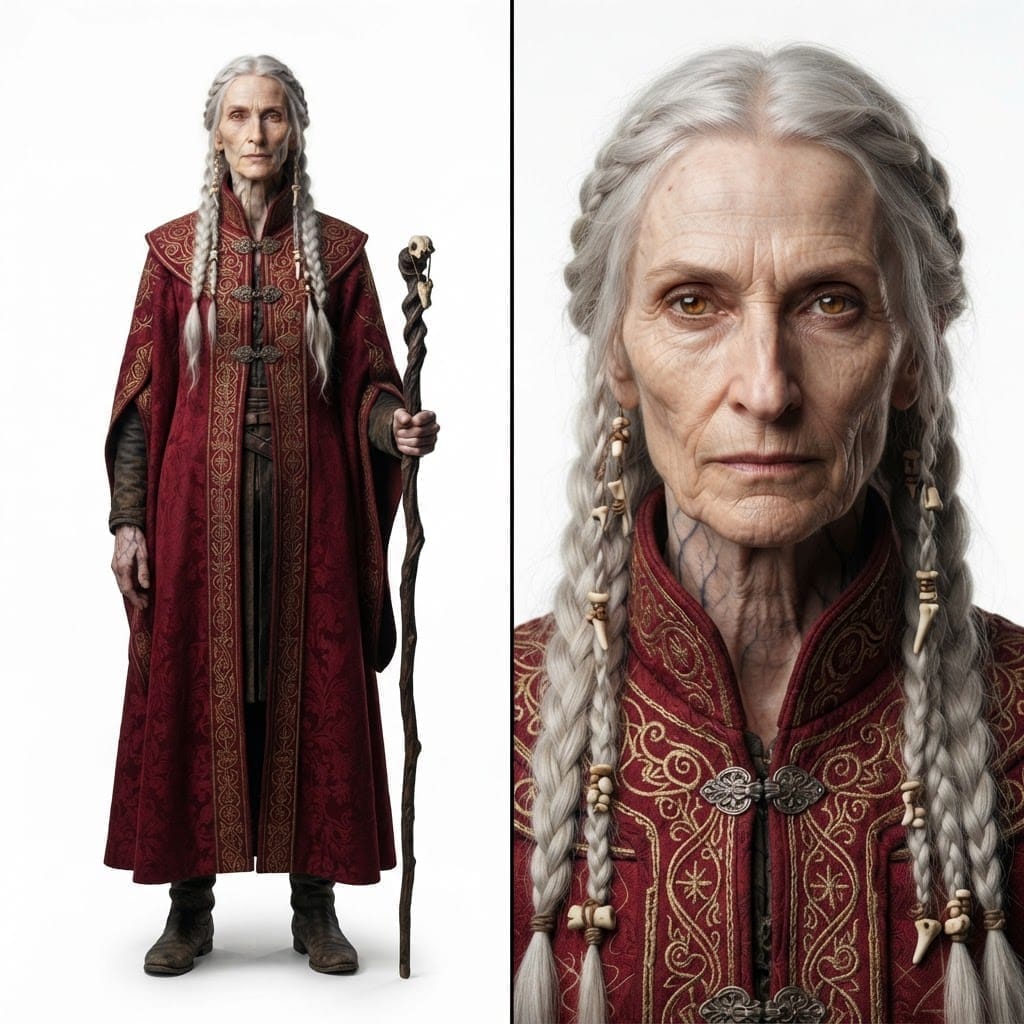 Character ImageBase
Character
One render becomes every state — same identity, materials, and framing.
Calm, direct gaze.
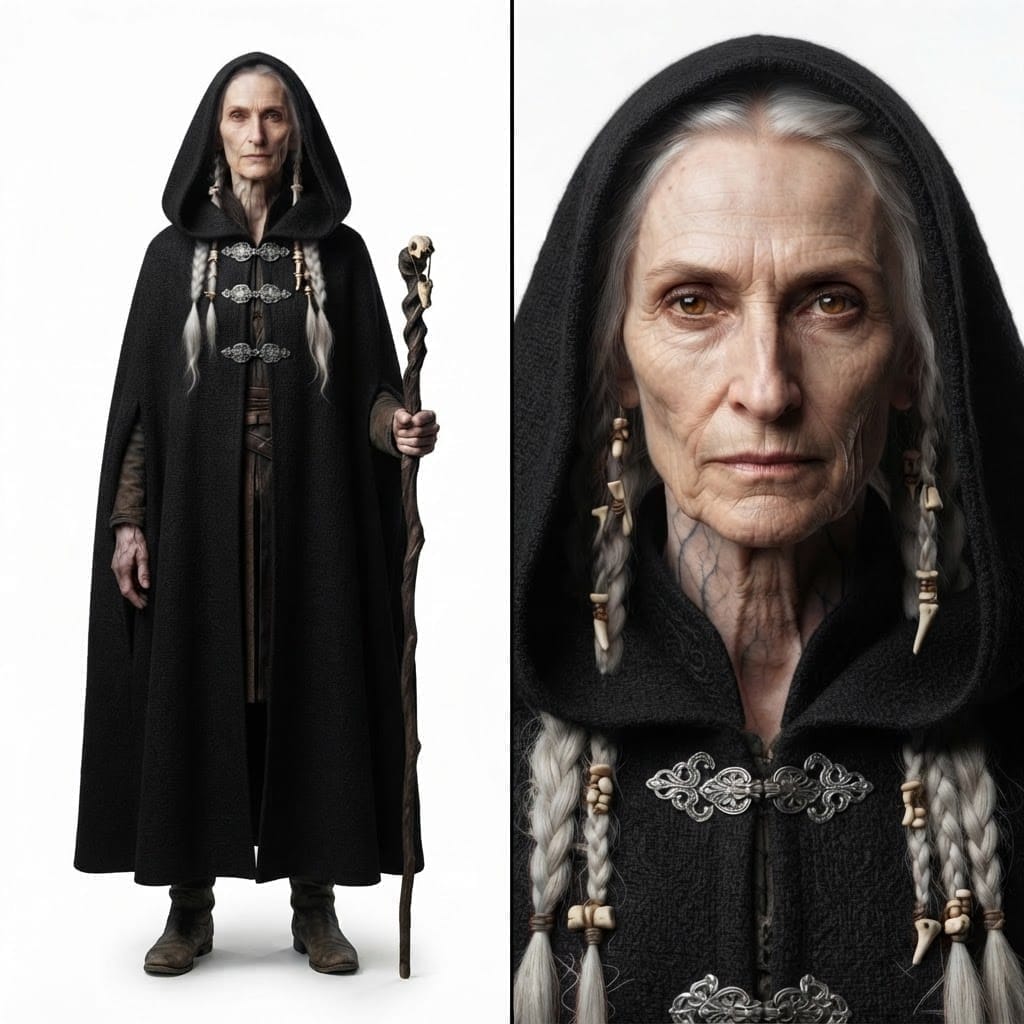
A darker, heavier silhouette.
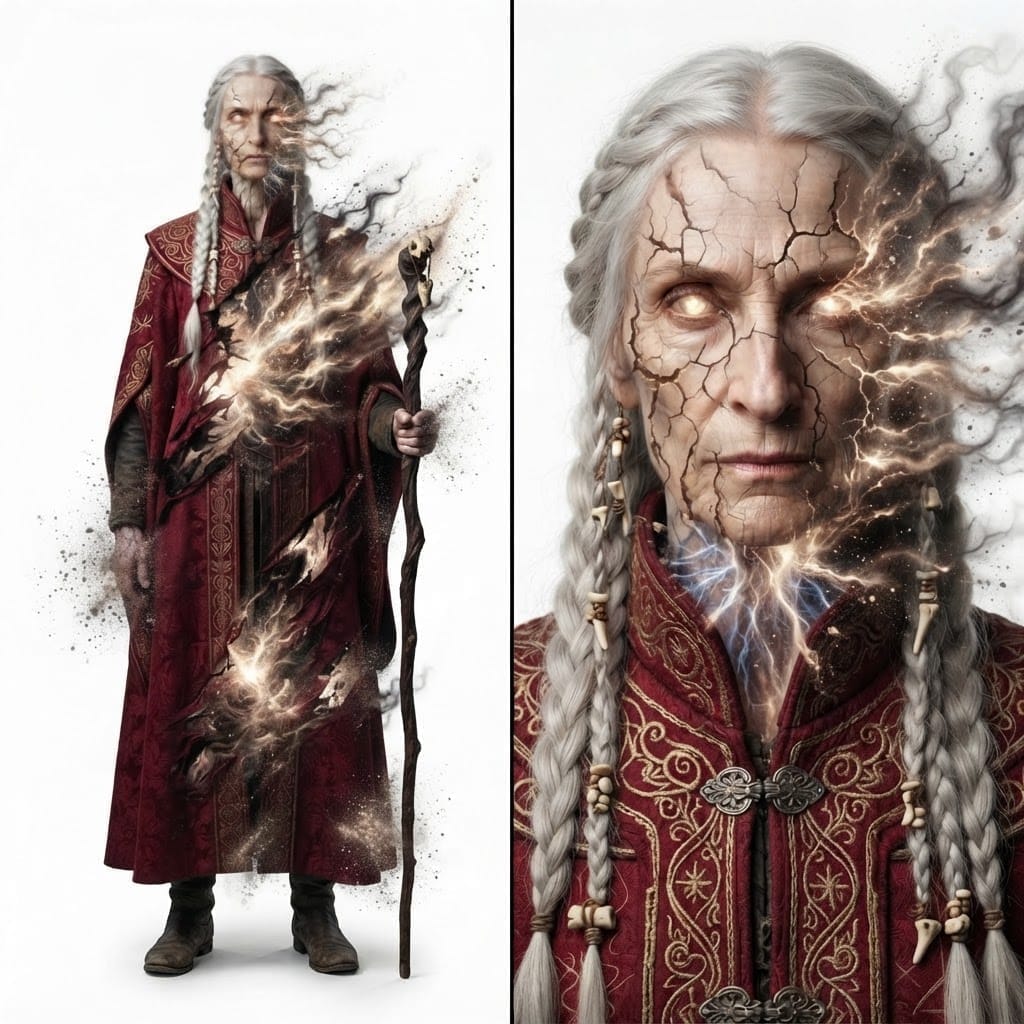
Breaking apart into the void.
 Asset ImageBase
Prop
One render becomes every state — same identity, materials, and framing.
The object as first rendered.

Polished and restored.

Engulfed in open flame.
 Location ImageBase
Location
One render becomes every state — same identity, materials, and framing.
The scene as first rendered.

Flora in full bloom.

Bold, saturated palette.
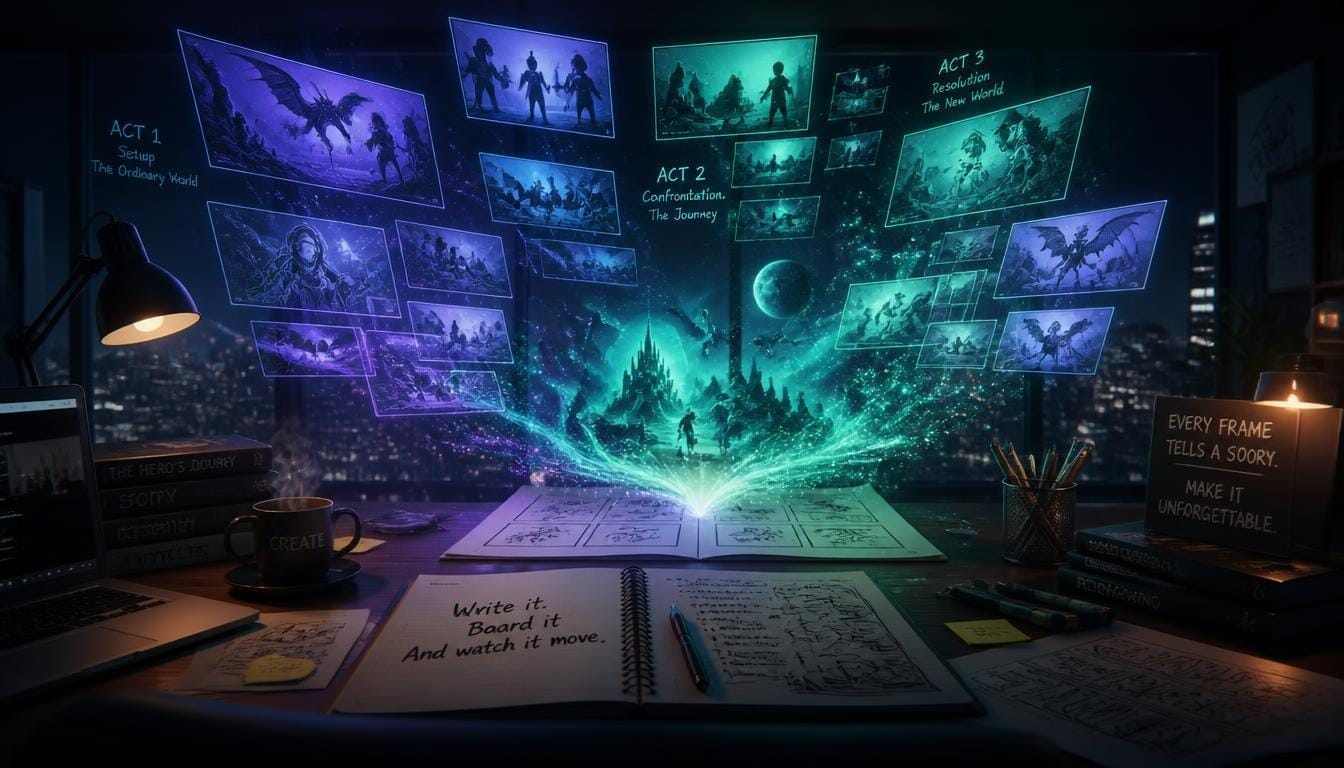
Write it. Board it. And watch it move.
A film timeline built for AI scenes
Every storyboard scene becomes a clip on the timeline. Preview, regenerate, reorder, and merge — powerful enough for a final cut, simple enough for a first draft.
AI Storyboard Generator
A multi-agent system builds a complete visual storyboard with scenes, characters, and dialogue (with audio) from a single idea.
Storyboard to Video
Convert each storyboard scene into high-quality AI video clips with one click — the board drives every shot.
Character Generation
Generate consistent character portraits that stay recognizable across every scene of your film.
Multi-Scene Video Editing
A full timeline editor: trim, reorder, and fine-tune every clip, camera angle, and line of dialogue.
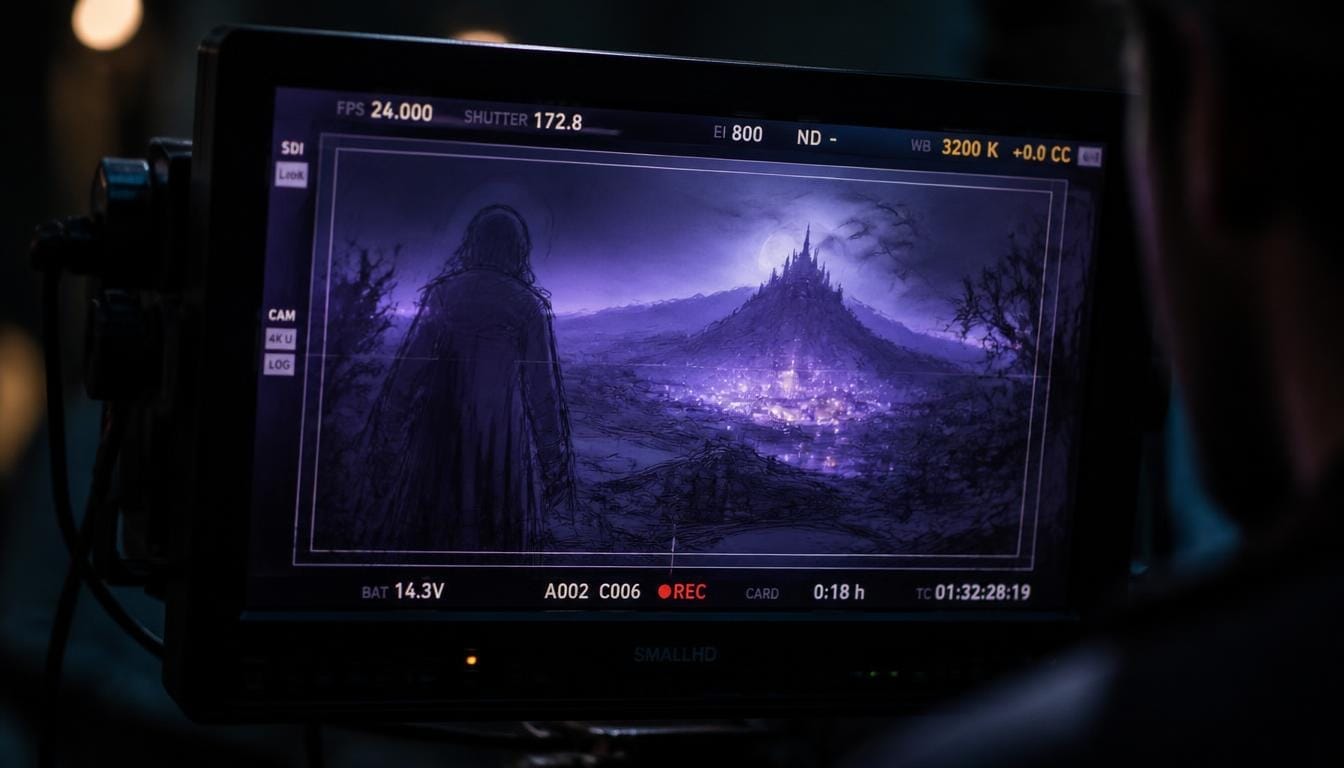
From Storyboard to AI Video
Five steps. No editing skills needed.
Describe Your Story Idea
Write your concept in plain English — characters, setting, and any specific scenes you want.
AI Storyboard Generator
Concept Architect, Scene Scriptwriters, and Consistency Editor build a polished visual storyboard — or plug in your own custom agents.
Review & Refine
Edit scenes, dialogue, and character descriptions. Preview every storyboard scene.
Generate AI Video
Render the board as video with Seedance 2.5, 2.0, or Kling 3.0 text-to-video models.
Edit & Export
Fine-tune the cut in the editor, then merge and export your finished film.
Define your own storyboard crew
Swap in your own AI agents for any stage of the pipeline — each one handles how a part of your story is written, while ScriptFrame keeps the storyboard structure intact.

Concept Architect
Turns your story idea into a cinematic concept: characters, genre, narrative structure, and timeline.

Story Scriptwriter
Writes the full storyboard, entry by entry, with dialogue, sound, and camera angles.

Effects Director
Directs cinematic camera moves, pacing, and light/atmosphere effects — only where they heighten the drama.

Asset Discovery
Discovers every prop, location, and character state from the storyboard.
Clone any agent
Copy a built-in or your own agent and tweak its prompt to get a new writing style in one click.
Pick the brain
Choose which model powers each agent — from fast everyday models to frontier reasoning models.
Sell your agents
Publish finished agents to the marketplace and earn credits whenever another creator uses them.
Frequently asked questions
How does ScriptFrame work?
You describe your story idea in plain text. Our AI storyboard generator breaks it into scenes, characters, and dialogue. You review and refine the board, then turn each scene into AI video with Seedance 2.0 or Kling-compatible models, and merge everything into a polished film.
What video models does ScriptFrame support?
ScriptFrame supports Seedance 2.0 models — text-to-video, fast, mini, image-to-video, and reference-to-video — as well as Kling-compatible video generation, so you can pick the renderer that fits your scene.
Can I generate video directly from a storyboard?
Yes. Each storyboard scene is rendered into a video clip using the model of your choice. Regenerate individual clips until every shot looks right, then merge them into a single video.
What kind of videos can I create?
Short narrative films, explainer videos, animated stories, character-driven scenes, and more. Any concept that can be described as a sequence of scenes can become an AI video.
How long does it take?
AI storyboard generation takes about 30-60 seconds. Video rendering depends on clip count and quality settings — most AI videos are ready within 5-15 minutes.
Can I edit the storyboard?
Yes. You have full control to edit scenes, modify character descriptions, adjust dialogue, change camera angles, and regenerate individual elements until you are satisfied.
Can I create my own story generator agents?
Yes. Every stage of the pipeline — concept, scenes, effects, and assets — is powered by an AI agent you can swap. Clone a built-in agent or your own, write your own prompt, pick the model, and use it to generate your storyboard. Published agents can be sold on the marketplace for credits.

Ready to create your first AI film?
Join creators turning story ideas into AI storyboards and cinematic videos in minutes.
Start Creating FreeFeatured on
Discover ScriptFrame among curated AI tools